

OCPP error codes are standardized fault identifiers that an EV charger sends in the errorCode field of a StatusNotification message, defined in the OCPP 1.6 specification. There are 16 standard values: 15 describe faults, and one, NoError, indicates a healthy state. When a charger reports a Faulted status, the error code is supposed to tell you why.
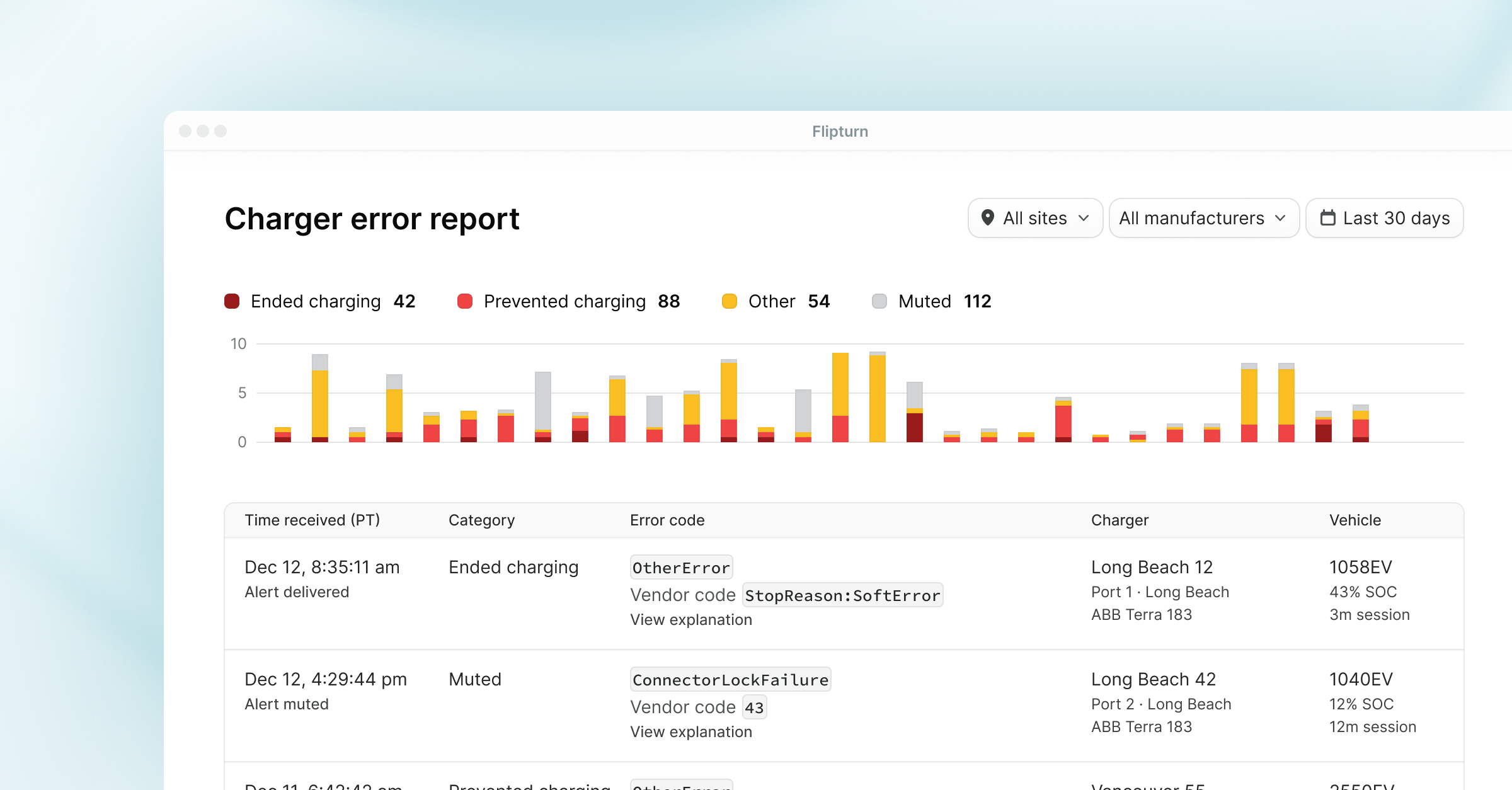
Sometimes it does. Often, you get something like this instead, a real message from a production charger with three fields and zero diagnostic value:
This guide covers every standard OCPP error code, what each one usually means in practice, and why the standard codes are only the starting point for diagnosing a charger that's down.
If you're looking for charger statuses (Available, Charging, Preparing, and so on) rather than error codes, see our companion guide to OCPP statuses.
Where do OCPP error codes come from?
OCPP is the open protocol most commercial chargers use to talk to a charging management system (CMS) like Flipturn. Every time a charging port changes status, the charger sends a StatusNotification message. That message carries three error-related fields:
errorCode: one of the standard values defined in the OCPP 1.6 specification (Edition 2, Open Charge Alliance, 2017), listed below.vendorErrorCode: a free-text field where the manufacturer can put its own proprietary code.info: optional additional detail, also free text.
The errorCode field is sent with every status, including healthy ones, which report NoError. When a port goes Faulted, the errorCode is your first clue.
All OCPP 1.6 error codes and what they mean
The OCPP 1.6 specification defines the following standard error codes. We've added what each one typically indicates in real deployments and what usually resolves it.
A note for developers: these StatusNotification error codes are distinct from OCPP's CALLERROR codes (NotImplemented, ProtocolError, FormationViolation, and so on), which report message-level protocol failures between charger and CMS rather than charger hardware faults. If a charger rejects a command, you're debugging a CALLERROR; if a port is faulted, you're debugging the codes above.
Why aren’t the standard codes enough?
Fifteen codes cannot describe everything that goes wrong inside a 350 kW power cabinet. The spec's authors knew this, which is why the vendorErrorCode field exists. In practice, that field is where diagnosis happens, and it's also where things get messy.
The numbers bear this out. In our production data over the past month, 95.5% of faulted statuses arrived with the standard code OtherError, and most carried no vendor error code either. The field that's supposed to tell you what went wrong almost never does. A few patterns we've observed operating chargers from dozens of manufacturers:
Every manufacturer invented its own language
Pull the vendor error codes off a mixed-hardware site and the problem is immediate. One charger reports 0x6012 with the info string DC output module Vol abnormal during idle time. The charger next to it reports StopReason:GlobalInterlockFail. A third reports 10 and nothing else. We've been handed an OEM error manual where every code is a bare number that overlaps with another manufacturer's numbering, so the same digits describe entirely different faults depending on which charger sent them. And once in a while the field delivers something memorable: our favorite vendor code to date reads, verbatim, DYING GASP , a charger's final transmission before losing power.
The cheapest fault to fix looks identical to the worst one
In our network over the past month, at least 1.4% of faulted statuses were explicitly identified as emergency stop activations. We say "at least" because the true share is unknowable from the standard fields alone: the overwhelming majority of faults in that same dataset arrived with no vendor error code at all, and chargers in our network never use a standard OCPP code for an e-stop. The signal only exists when a manufacturer chooses to write it into a free-text field, and they each write it differently. We've counted seven distinct phrasings for the same pressed button, from F400: EMERGENCY_STOP_BUTTON_1 to [42300]Emergency stop button pressed.
The share is small, but it's disproportionately expensive to get wrong. In the raw feed, an e-stop and a failed power module both surface as faulted with a generic OtherError code. Read correctly, the fix is releasing the button and resetting the charger, handled by whoever is on site. One manufacturer's vendor code says exactly that: Release emergency button and reset charger. Read incorrectly, it's a vendor service ticket and a charger that sits dark waiting for a technician it never needed.
Even the manual can disagree with the firmware
We've worked from manufacturer-provided error documentation where the codes chargers were actually reporting in the field matched neither the document nor each other. Firmware updates ship faster than documentation, and the free-text nature of the field means nothing forces them back into sync. So an operator can do everything right, obtain the official manual, look up the exact code, and still get the wrong answer. The only reliable reference is observed behavior across a large enough network to know what each model actually sends.
Phantom faults are real
We've seen charger models that report a Faulted status and an InternalError at the same moment they report Available, every time they boot. We've seen chargers report faulted with no error code at all. And we've watched a charger sit in faulted for hours while charging a vehicle successfully the entire time. In that last case, the hardware was surfacing informational warnings about its cooling fans through a status model that has no severity levels, so advisories that never interrupted charging landed in the data as hard faults. Taken at face value, any of these would page your team at 2 AM and drag your uptime metrics down for no reason. A CMS has to learn each model's quirks and filter accordingly.
The industry knows this is a problem
The ChargeX Consortium, a DOE-backed effort led by Idaho National Laboratory, Argonne, and NREL, published an Implementation Guide for Minimum Required Error Codes (MRECs) in 2023 to standardize fault reporting across manufacturers. Notably, MRECs travel in the vendorErrorCode field of an OCPP 1.6 StatusNotification, the same free-text field every manufacturer already uses differently, so the standard works without breaking OCPP certification. (On OCPP 2.0.1 the guide instead recommends carrying them in the techCode field of a NotifyEvent message, in line with how 2.0.1 reports faults.) It's a good fix where it's adopted. Across the sites we operate, most chargers in the field today still report in their manufacturer's own dialect, so a translation layer remains the practical answer for mixed-hardware sites.
OCPP 2.0.1 raises the stakes on vendor codes
The newer protocol version removes the standard error code list from StatusNotification entirely. Faults are reported through NotifyEvent messages using manufacturer-defined technical codes, a shift the Open Charge Alliance documents in its whitepaper Improving Uptime Monitoring with OCPP (v1.2, August 2024). As the industry migrates to 2.0.1, the shared vocabulary above goes away and the per-manufacturer translation problem becomes the whole problem.
What Flipturn does with all of this
Flipturn ingests every StatusNotification and gives you the full OCPP message log for every charger, so the raw error code, vendor code, and surrounding messages are always one click away. More importantly, we've baked the OEM error manuals directly into the product: when a vendor error code comes in, Flipturn shows you what it means and what to do next.
Flip AI, our AI charging operations agent, takes the last step for you. Instead of reporting that a charger had two faults overnight, it reports that the charger is faulted because the emergency stop button was activated, and recommends inspecting the button for damage. As Christian Bigger at Spokane Transit put it: "This translates charger messages into English and puts it in one update I can review in 5 minutes."
If you're managing chargers from multiple manufacturers and tired of cross-referencing manuals, book a demo.


.jpeg)